
Appearance
YenGear IoT Cloud documentation
YenGear IoT Cloud connects field devices and organizes their data by organization, project, device, and point. Use it to monitor readings, control equipment, run schedules and rules, handle alerts, and connect external systems.
Get started
Follow the DTU temperature and humidity tutorial to add a device, configure sensor points, and check readings. If your devices are already connected, choose a task below.
| Task | Guide |
|---|---|
| Sign in, change your password, or link a sign-in provider | Sign-in and account settings |
| Understand organizations, projects, devices, and points | Core concepts |
| Set up a site | Create and manage projects |
| Add a device or change its assignment | Add and manage devices |
| Configure acquisition channels | Configure points, Modbus reference |
| Check current readings and trends | View live and historical data |
| Operate switches, motors, or displays | Control devices |
| Run actions at set times or when a condition is met | Schedules, Automation rules |
| Handle alerts and receive messages | Alerts, In-app notifications, Email and SMS |
| Download historical records | Export historical data |
Manage your team and sites
Organizations · Members · Roles and permissions · Plans and quotas
Device settings · Point types · Point thresholds · Project screens · Mobile apps and project codes
Connect external systems
Use the Open API and access tokens to query data or control devices from another system. Set up data forwarding to receive new readings as devices report them. See Identifiers for resource IDs used in integrations.
Troubleshoot a problem
Troubleshooting covers offline devices, missing or incorrect readings, empty history, failed controls, and missing notifications.
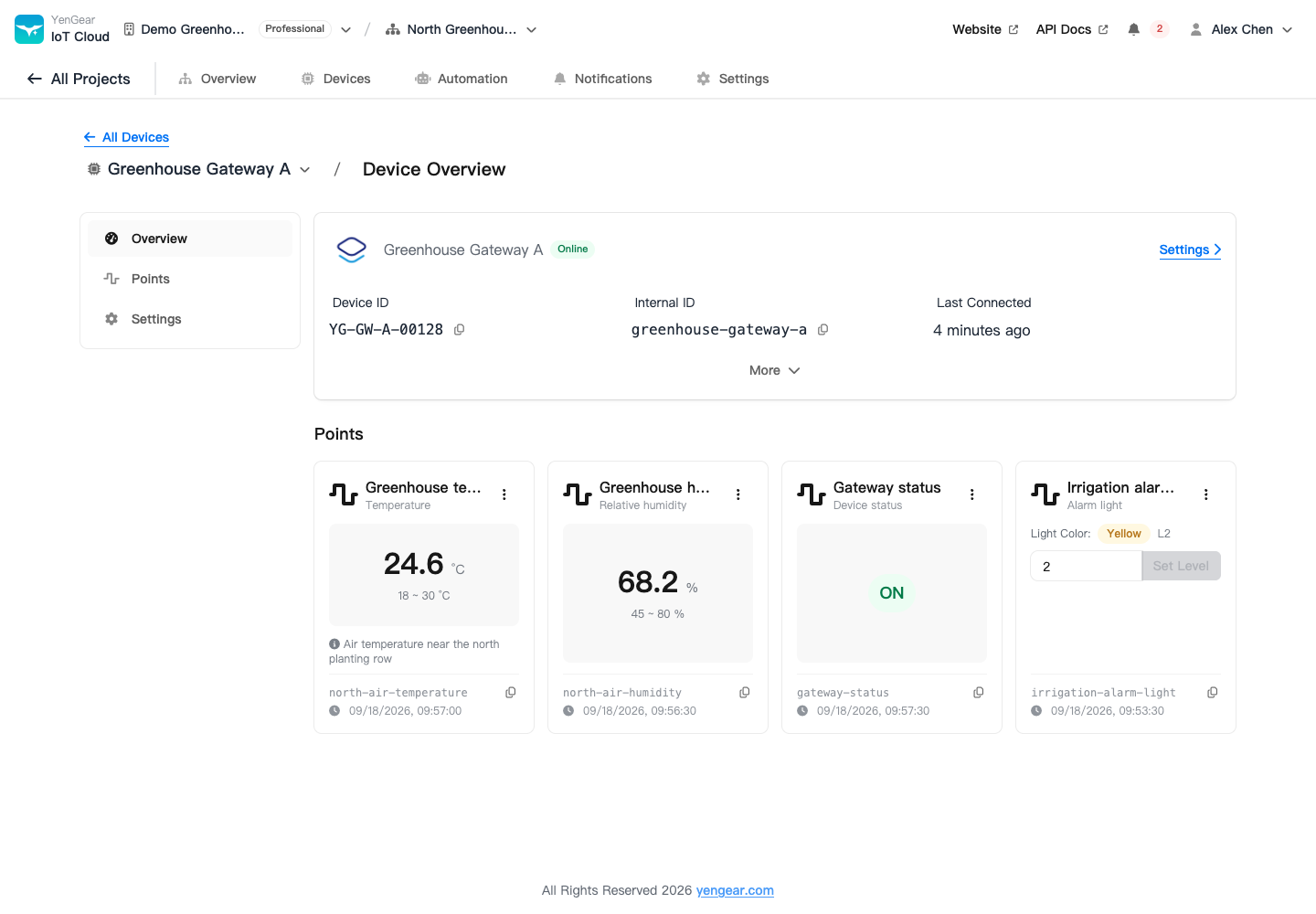
Screenshots use a demonstration account and projects. Names, readings, and plan allowances are examples.