
Appearance
Export historical data
Data export creates CSV or JSON files for selected devices, points, and time ranges. Operators, Managers, and Owners can create tasks and download files within permitted projects.
Create an export task
- Open Data → Data Export in the organization.
- Select the project, device, and points.
- Enter start and end times in the project's local time.
- Choose a format and optionally enter a task name.
- Click Create Task and follow progress in the task list.
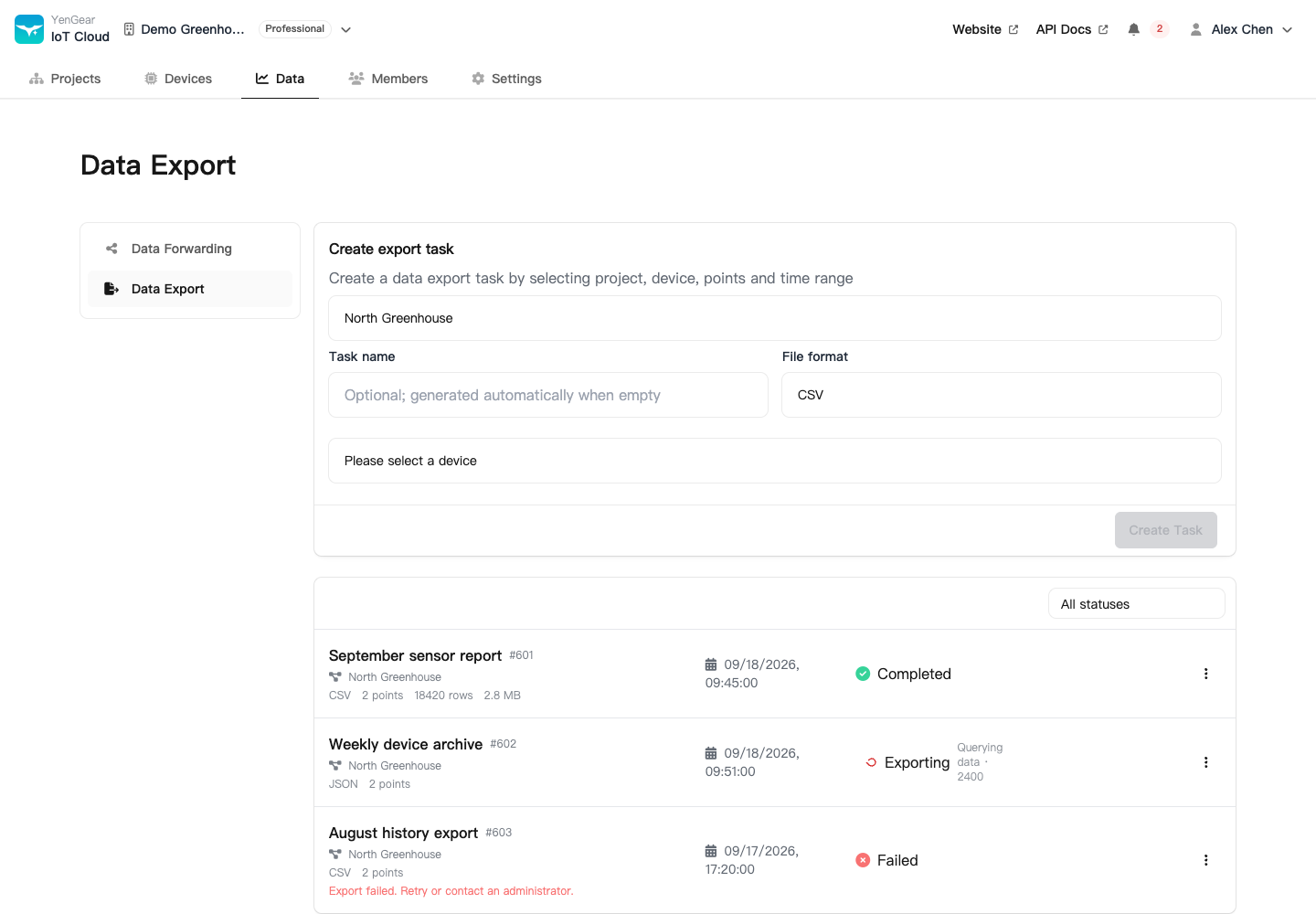
The creation panel shows limits for point count and time range. For large exports, select fewer points or a shorter range and create multiple tasks.
Task states
| State | Meaning |
|---|---|
| Pending / queued | Created and waiting for processing |
| Exporting | Querying records and creating the file |
| Canceling | Cancellation requested; waiting for processing to stop |
| Completed | File is available within its retention period |
| Failed | Review the error; retry if the action is available |
| Canceled | Processing stopped without completing the file |
After completion, download the file and check its columns, points, time range, and record count. Files expire; the list shows expiry information. Download them promptly if you need long-term retention.
Cancel, retry, or delete
Cancellation may take time. Wait for the task state to update. Retry a failed task through its action menu when available. For invalid parameters or an oversized range, adjust the selection before creating a new task.
Delete a task
Deleting a task also removes its retained export file and cannot be undone. Download the file first if you need it.
Task management depends on role and project access. After access is removed, you may still see a safe summary of your own tasks. This does not grant access to the former project's data or files.
The file is empty
Completion does not mean records exist in the selected range. Check the range, device reports, point creation and enabled status, debug mode, and historical storage. See Live and historical data.
To automate task creation and management, see the download task API.