
Appearance
Device settings and maintenance
Open Project → Devices → your device → Settings to edit its name and notes or use supported remote operations. The device information area shows its model, device ID, internal ID, and last connection time.
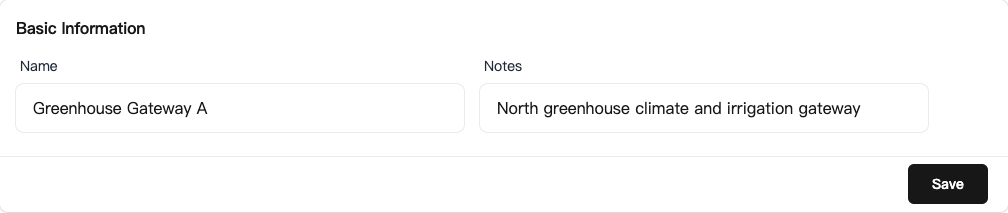
Name and notes
A Manager or Owner can edit the device name and notes. Use a name that identifies its location or purpose, such as “North Greenhouse Gateway.” Notes can record the installation location, wiring references, or maintenance instructions.
Return to the list after saving to check the name. Renaming a device does not change its serial number or internal ID.
Serial communication
Devices that support serial configuration show a serial settings entry. Baud rate, data bits, stop bits, and parity must match the field slave devices.
The form shows the parameters to submit, not a readback of the current device settings. Check the original parameters in your device configuration records or on site before changing them.
Saving briefly disconnects the device before it reconnects, so choose a time when communication can be interrupted. Check connectivity and sensor readings afterward.
Serial settings work together with point Modbus parameters; changing a slave address cannot fix a baud-rate mismatch.
Debug mode and history
The debug mode shown in device information affects historical storage. When live values update but history is empty, check this mode and the history storage path. A current value alone does not prove that records were saved.
See Add and manage devices for project moves, organization transfers, and unbinding.