
Appearance
Create and manage access tokens
Access tokens let servers and programs call the Open API. They are separate from personal passwords and device security codes and have their own roles and project scopes.
The organization Owner manages tokens under Settings → Access Tokens. See Roles and project permissions for member access.
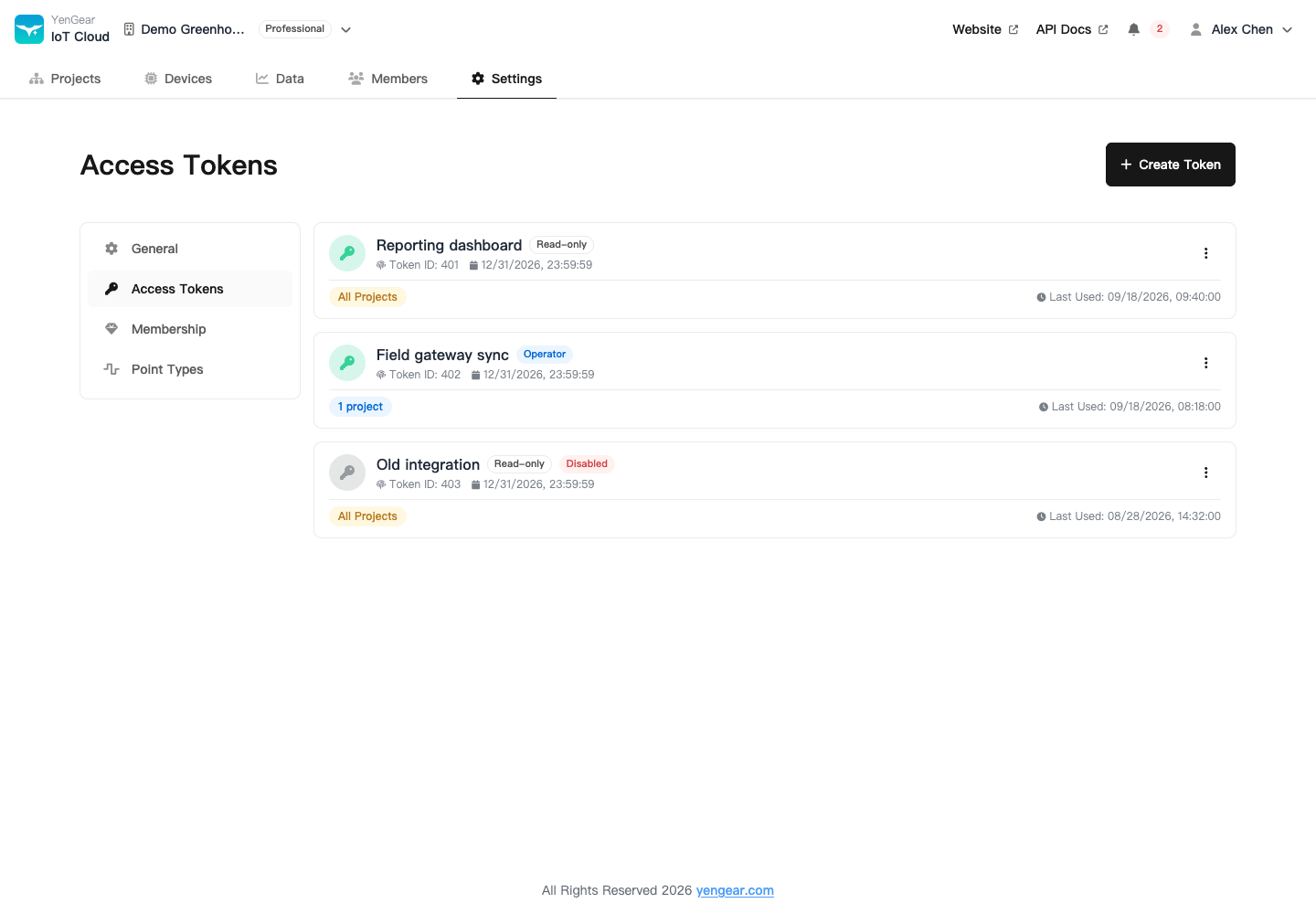
Create a token
- Click Create Token and enter a name that identifies its purpose.
- Choose Read-only, Operator, or Manager permissions.
- Select all projects or specific projects.
- Set an expiry if needed and save.
- Copy and securely store the full token immediately. You cannot view it again after closing the result dialog.
| Role | Use |
|---|---|
| Read-only | Query permitted data from an external system |
| Operator | Query data and perform permitted control operations |
| Manager | Let a trusted service manage configurations and resources |
Manager tokens
Manager tokens can manage organization-wide shared settings. A specific-project scope does not restrict organization-level forwarding, which can affect or export data from the whole organization. Use a Read-only token for queries alone.
Enter expiry in your local time. A blank expiry means the token does not expire. Set an expiry for temporary tests and plan token rotation for long-running services.
Verify API access
Include the token and organization slug in requests:
http
Authorization: Bearer <ACCESS_TOKEN>
X-Organization-Slug: your-org-slug
Start with a read-only request and check the organization, role, and project scope. For authentication or permission errors, check validity, enabled status, expiry, and resource scope. See Use the Open API.
Disable or rotate a token
Disable or delete tokens that are no longer needed. When rotating one, update the calling system and verify access before revoking the old token.
Keep tokens out of public pages, screenshots, repositories, and shared example files. Use separate tokens for separate systems so you can revoke a compromised credential independently.