
Appearance
Add and manage devices
Bind a device to an organization with its device ID and security code. You can choose a project while adding it. Binding, assignment, and ownership changes require the organization Owner.
Add a device
Find the device ID and security code on the device, and connect it to the network as described in its manual.
- Switch to the target organization and open Devices, or open a project's device list.
- Click Add Device and enter the device ID and security code.
- Select a project and add the device. Without a project selection, it appears in the unassigned device area.
- Open the device details and check its model, device ID, project, and last connection time.
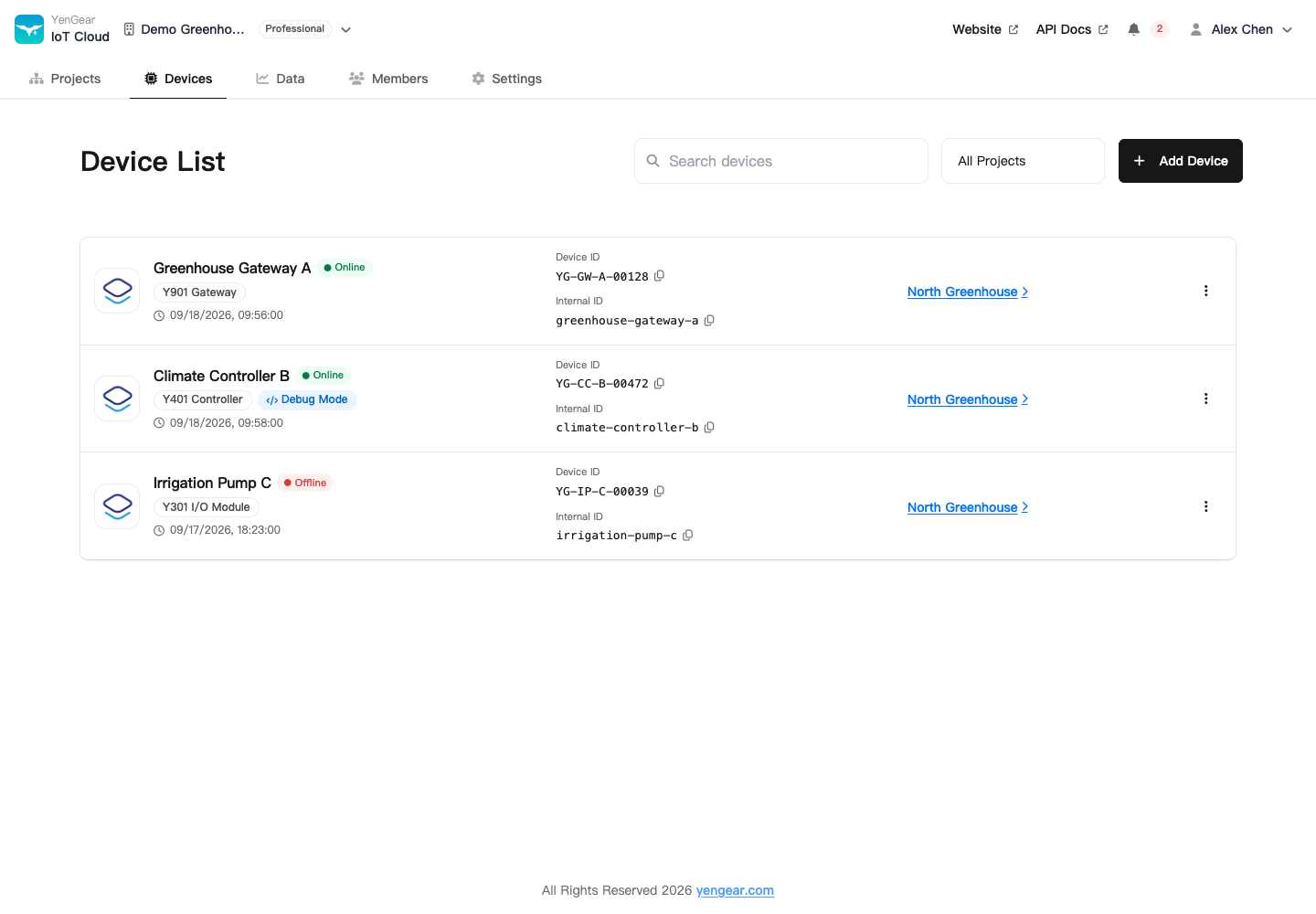
Successful binding establishes ownership. Check connectivity and point values separately to determine whether the device is online and collecting valid data.
Assign an unassigned device
In the organization's Devices page, the Owner selects an unassigned device, chooses a project, and confirms. Open the device from that project's list to configure and view its points.
Connectivity and connection time
Device details show the last connection time. If data stops updating, check power, site connectivity, SIM status, device assignment, and point settings. A past connection time does not mean the device can still receive commands.
Move, transfer, or unbind a device
Use the relevant action in device basic settings or its action menu.
| Action | Result |
|---|---|
| Move to another project | Changes the project within the current organization |
| Move to another organization | Transfers the device out of the current organization |
| Delete / unbind | Clears the project assignment and returns the device to the organization's unassigned area; device data is retained |
Unbinding does not delete historical records. Before changing assignment, check schedules, rules, and external systems that reference the device, and export records you need. Do not assume historical data will migrate into a new query scope.
See Device settings and maintenance for names, notes, and serial settings. After adding the device, configure its points.